 WOWSMM Blog
 By Krish Sharma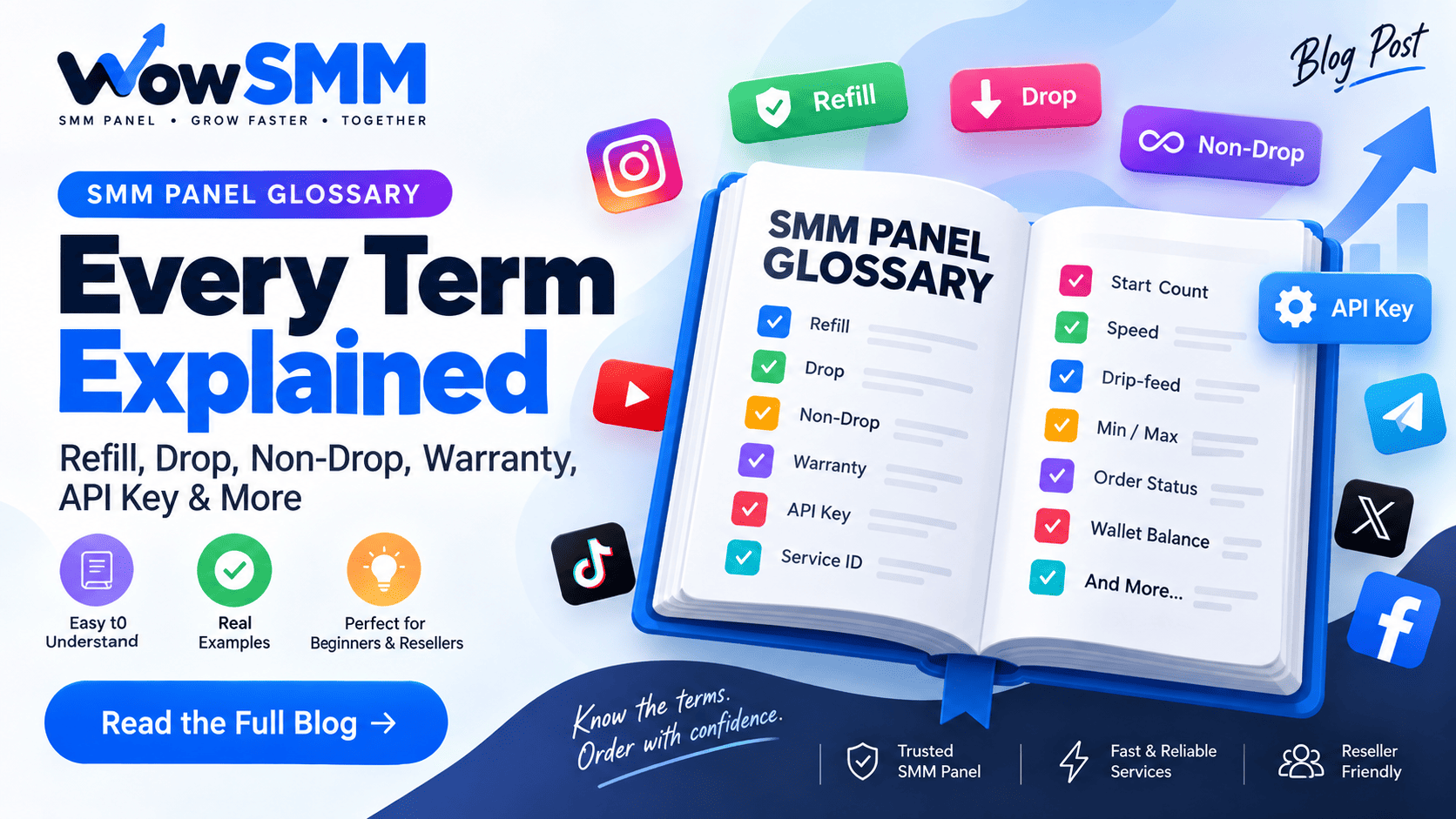
SMM Panel Glossary: Every Term Explained (Refill, Drop, Non-Drop, Warranty, API Key & More)
An SMM panel is a website where you buy social media engagement services (followers, likes, views, comments) in bulk at wholesale prices, usually through a dashboard or API. The rest of this glossary explains every term you'll run into while using one — refill, drop, non-drop, start count, warranty, speed, API key, service ID, and more — in plain language, with real examples from how orders actually behave.
Bookmark this page. Whether you're placing your first order or building a reseller business on top of an API, these are the exact words you'll see on every order page, every provider's service list, and every support ticket.
Core Order Terms
SMM Panel
A platform that resells social media marketing (SMM) services — Instagram followers, YouTube views, TikTok likes, Telegram members, and similar — sourced from upstream providers and sold to end users or resellers at a marked-up (but still low) price. Panels like WowSMM sit between the raw supply (providers who run the actual delivery infrastructure) and the customer placing an order.
Provider
The upstream source that actually fulfills an order — the infrastructure behind the scenes that delivers followers, likes, or views. A panel can work with one or several providers per service and switch between them if one becomes unreliable. As a customer you don't interact with providers directly; you only see the panel's storefront.
Service ID
Every service in a panel's catalog (for example "Instagram Followers – Real Looking – 30 Days Refill") has a unique numeric Service ID. You need this ID to place orders through the API — it's how the system knows exactly which service, price, and delivery method to use.
Rate (Rate per 1000 / Rate/1k)
The price for 1,000 units of a service. If a service is priced at ₹0.50 per 1000 and you order 5,000, the cost is ₹2.50. Panels quote rates per 1000 rather than per unit because most services are ordered in bulk (100s to millions of units).
Min / Max
The minimum and maximum quantity allowed per order for a given service. A service might have Min 100 / Max 50,000 — meaning you cannot order fewer than 100 or more than 50,000 in a single order. To go beyond the max, you place multiple orders.
Start Count
The follower/like/view count on your link at the moment the order begins processing, recorded automatically by the panel. Start Count matters because refill and drop calculations are based on the difference between Start Count and the current count — not on how many units you paid for.
Delivery & Speed Terms
Speed / Delivery Time
How fast an order completes once it starts — shown as an estimate like "10K/Day" or "Instant" or "Average Time: 2 hours." Speed varies by service, by provider capacity that day, and by how much demand the platform's own detection systems are absorbing at that moment; the same service can run faster or slower on different days even with identical settings.
Drip-feed
An option to spread delivery out over a longer period instead of all at once — for example, 1,000 followers delivered as 50/hour for 20 hours rather than all 1,000 in a few minutes. Drip-feed is generally used to make growth look more organic, which can matter for reducing scrutiny from a platform's spam-detection systems.
Mass Order / Bulk Order
A tool that lets you submit many orders at once (different links, services, or quantities) in a single batch — usually by pasting a list or uploading a file — instead of placing each order manually one at a time. Useful for agencies and resellers managing many client accounts.
Child Panel / Sub-panel / White-label Panel
A panel that resellers can create and brand as their own, running on top of a parent panel's inventory and pricing engine. The reseller sets their own retail prices and their customers never see the parent panel's name — they only see the reseller's branded site.
After the Order: Refill, Drop & Warranty
Drop
When followers, likes, or views you paid for disappear after delivery — the count goes down instead of staying where it landed. Some drop is normal and expected for cheaper, non-guaranteed services, because a portion of delivered engagement comes from accounts that platforms periodically detect and remove in their own cleanup cycles. Drop is measured against your Start Count, not against the exact number you ordered.
Non-Drop
A service marketed as "non-drop" claims the delivered engagement won't disappear, or will disappear far less than a standard service — typically because it uses higher-quality accounts that are less likely to be caught in platform sweeps. No provider can honestly promise zero drop forever; "non-drop" is a quality tier and a refill commitment, not a guarantee that is literally unbreakable.
Refill
A free top-up a panel provides if your count drops below what was delivered, within a defined refill window. Refill is calculated as Start Count + quantity ordered = expected End Count. If your current count is lower than the expected End Count, the difference can be refilled. Refill applies to the specific order and link combination — not to the account in general — so changing your username or switching an account to private usually voids refill eligibility for that order.
Refill Window / Warranty Period
The length of time refill coverage lasts after delivery — common windows are 30 days, 60 days, 90 days, 365 days, or "Lifetime." A longer refill window generally costs more because the panel is committing to monitor and top up that order for longer. Once the window expires, no further refill is provided even if the count drops afterward.
Cancel Button / Cancel Enabled
Some services allow you to cancel an order while it's still in progress and get a refund for the undelivered portion. A service marked "Cancel Enabled" supports this; one marked "No Cancel" will run to completion (or to whatever point the provider stops) without a partial-cancellation refund option.
Order Status Terms
Pending
The order has been placed and paid for but processing hasn't started yet — usually because it's queued behind other orders for the same service.
In Progress
Delivery has started and units are being added toward your link.
Partial
The order stopped before reaching the full quantity, and you're refunded for the undelivered portion. A partial often happens when the link becomes invalid mid-delivery (post deleted, account switched to private) or the provider's supply runs out for that batch.
Completed
The full ordered quantity was delivered. Note: an order can still show "Completed" even if the link was private or invalid when checked — in that case no refund applies, since the system recorded the delivery attempt as fulfilled.
Canceled
The order did not run and was refunded in full, typically because the link submitted was invalid, broken, or unsupported from the start.
Account & API Terms
Wallet Balance
Prepaid funds held in your panel account, used to pay for orders. On most panels — including WowSMM — wallet funds can only be spent on services within the panel and cannot be withdrawn to a bank account.
API Key
A private access token that lets external software (your own website, a script, or a reseller platform) place orders, check status, request refills, and check balance programmatically instead of through the panel's dashboard. See the API documentation for the exact endpoints and parameters.
Public vs. Private Service
A public service appears in the panel's regular catalog for anyone to order. A private service is hidden from the general catalog and only orderable by specific accounts or child panels — often used for testing new services or offering special pricing to select resellers.
R# / "Real-looking" Accounts
Shorthand some providers use to describe engagement from accounts with profile pictures, posts, and follower histories that resemble genuine users, as opposed to bare, obviously-fake accounts. "Real-looking" describes account quality, not verified authenticity — it's a durability signal correlated with lower drop rates, not a guarantee.
Frequently Asked Questions
What's the difference between drop and refill?
Drop is the problem (your count goes down). Refill is the solution (the panel tops it back up), but only within the refill window the service specifies and only for the same link.
Does refill cover unlimited drops forever?
No. Refill only covers drops within the stated window (e.g., 30 or 365 days) and stops once that window expires or once the order's refill eligibility is otherwise voided (private account, username change, etc.).
Why do speeds vary even for the same service?
Speed depends on provider capacity and platform conditions at that specific moment, not just the service's advertised average — the same service can run faster on a quiet day and slower during high-demand periods.
Is "non-drop" the same as "no refund"?
No — they're unrelated. Non-drop describes engagement quality/durability. Refund and cancellation policies are separate terms that depend on whether a service is "Cancel Enabled" and on the order's current status.
Do I need an API key to use a panel?
No — most users place orders through the dashboard. An API key is only needed if you're integrating a panel into your own website or automating orders through a script or reseller platform.
Have a term you don't see here? Check our FAQ page or reach out via Telegram — support is available 24/7.